ASUS ZenScreen MB16ACV Review: USB-C Video or a USB-A Driver Workflow?
ASUS MB16ACV buying review with a host-port decision matrix, DisplayLink caveat, 1080p workspace limits and the distinction from HDMI or battery models.
A better second screen
Find a monitor and a mounting setup that work together.
Explore second monitors →Plan the desk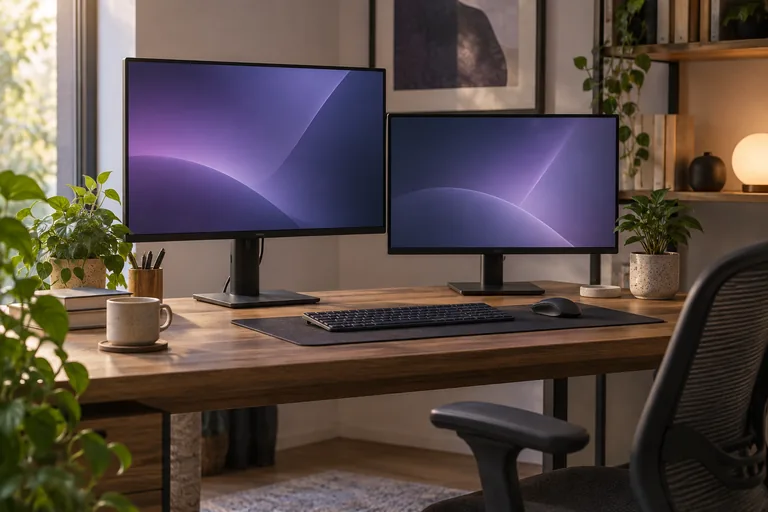
ASUS MB16ACV buying review with a host-port decision matrix, DisplayLink caveat, 1080p workspace limits and the distinction from HDMI or battery models.
Check the native external-display limit for MacBook Air M1, M2, M3, M4, and M5, including lid rules, dock limits, and the DisplayLink alternative.
Use this ClearType tuning checklist for external monitors to identify the problem before changing text settings.
Start with the display setup, not the processor name or the number of USB-C ports.
The best computer monitor for gaming in 2026 is the ASUS ROG Swift OLED PG32UCDM. If you want the cheapest clean upgrade from 1080p, the Acer Nitro XV272U.
The best overall winner is the Satechi Riser Laptop Stand with Adjustable Height and Aluminum Design, because it balances stable lift, clean desk presence.
This shortlist compares monitors for coding by text clarity, pixel density, usable screen space, stand adjustment, USB-C workflow, and desk depth.
The Dell S2722QC is the best monitor for dorm study without glare because it pairs a 27-inch 4K IPS panel, a matte anti-glare finish, and USB-C charging into.
Monitors for a crowded workshop bench, chosen for stand footprint, VESA mounting, and screen height so the screen does not eat tool space.
Dell UltraSharp U2723QE is the best monitor for writers. It pairs 27-inch 4K text clarity with an IPS Black panel and a USB-C hub that keeps the desk cleaner.
The shortlist below stays focused on what changes the PS5 experience first: screen size, console ceiling, and how much the monitor asks from your desk.
Measure cabinet clearance, stand height, and cable access first, then pick a 24- or 27-inch monitor that fits under an overhead cabinet.